
Meeting 20/11/25
- Comau is required to move on with Hexagon laser trackers
Meeting was followed by
- Valerio Perna
- Alberto Gagliano
- Fabio Nicolo
- The meeting consisted mainly of CTrack demonstration, 99% talk by CTech
Next action points
Provide a short overview of the demonstration: some screen shots with explanation
- Part 1 : CTrack as it is know
Part 2 : Required modifications for Comau
- Robotics tab to incorporate maintaining the robot database
- Finalize Leica driver
- Future steps
Current version 5.0 : Screenshots
Configuration
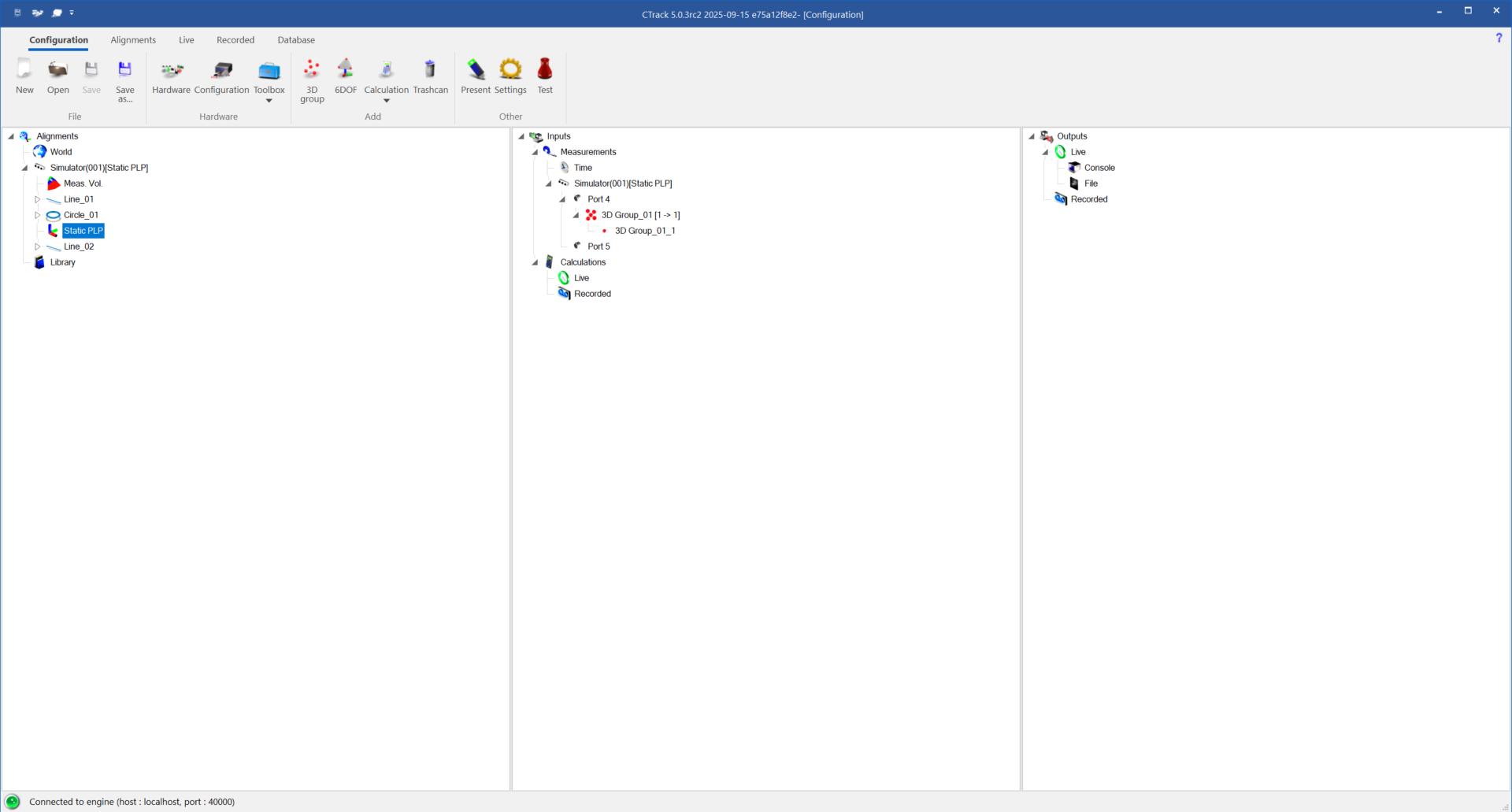
The configuration tab bundles
- Choosing input devices
- Adding calculations
- Setting output devices
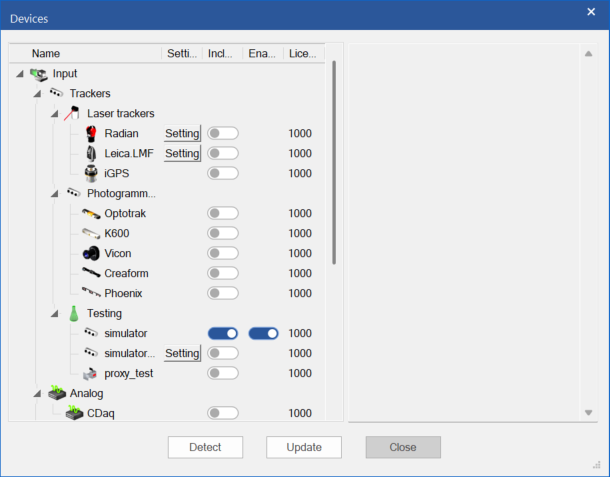
Multi-device setups are possible. Depending on the capabilities of the devices TTL syncronisation for the measurements can be enabled.
Besides optical trackers, also analog input devices are possible through the addition of CDaq.
The next calculations are currently possible
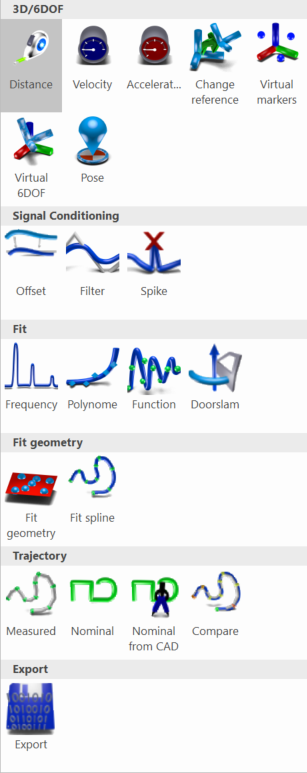
All measurements in CTrack are dynamic measurements. Pose measurements are extracted from the continuous dynamic measurement via the use of triggers which mark the start en the end of the pose.
Output devices allow to stream in real-time channel information from the input devices and from calculations. In the majority of the cases output devices are TCP/IP related protocols.
Alignment
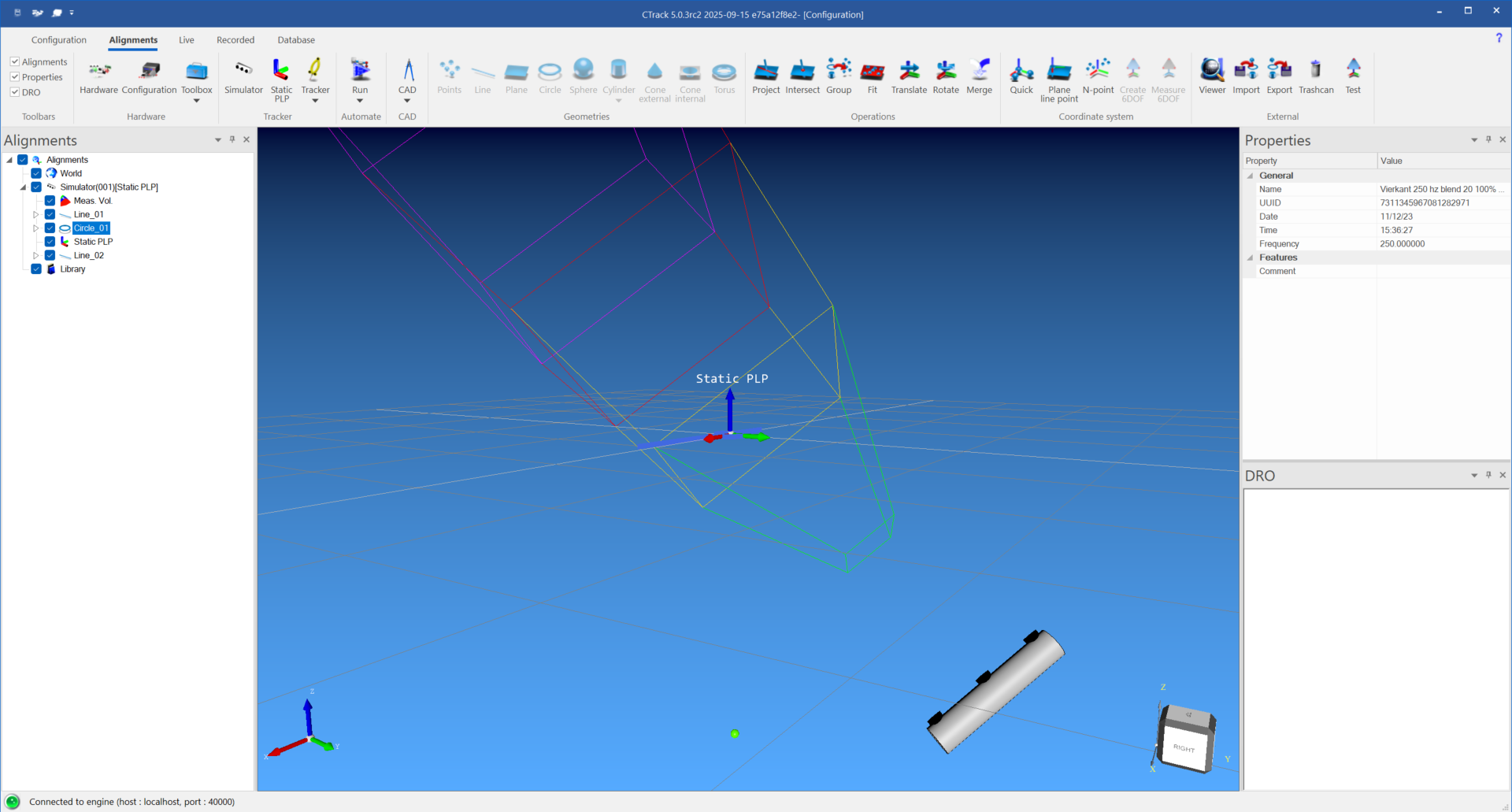
Purpose:
- Create static alignment for tracker to world transformation
- Create dynamic 6DOF elements by attaching a static coordinate system to a group of 3D/6DOF
Typical approach
- Measure geometries with SpaceProbe or directly from moving markers
- Extra manipulations: intersect / project / translate / rotate
Create coordinate system through
- Plane-Line-Point : 2 directions + origin
- N-point align
CAD related operations:
Import from IGES or STEP : import CAD file and pick nominal items
- Import points or transformation matrix
Live
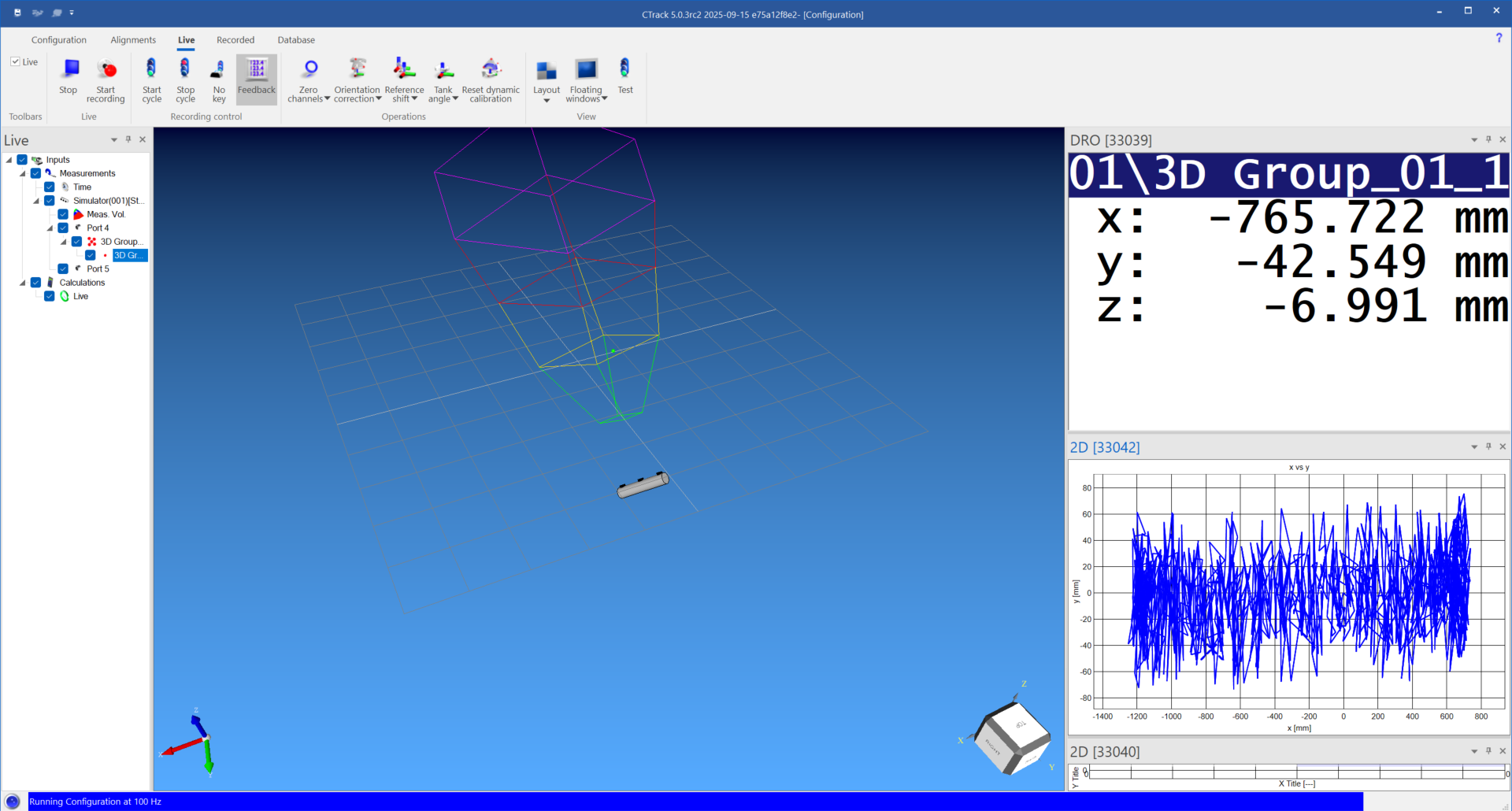
Real-time tracking and output of measurements and calculations
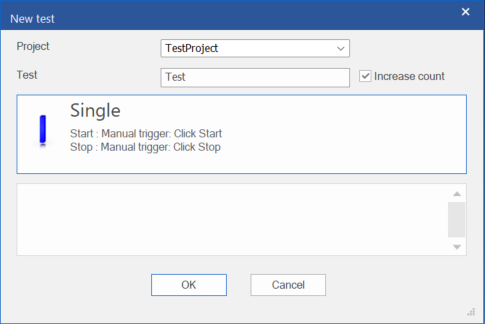
Record using a test and project name.
Start and stop triggers can be chosen from different sources : Manual / Velocity / Network / ....
Recorded
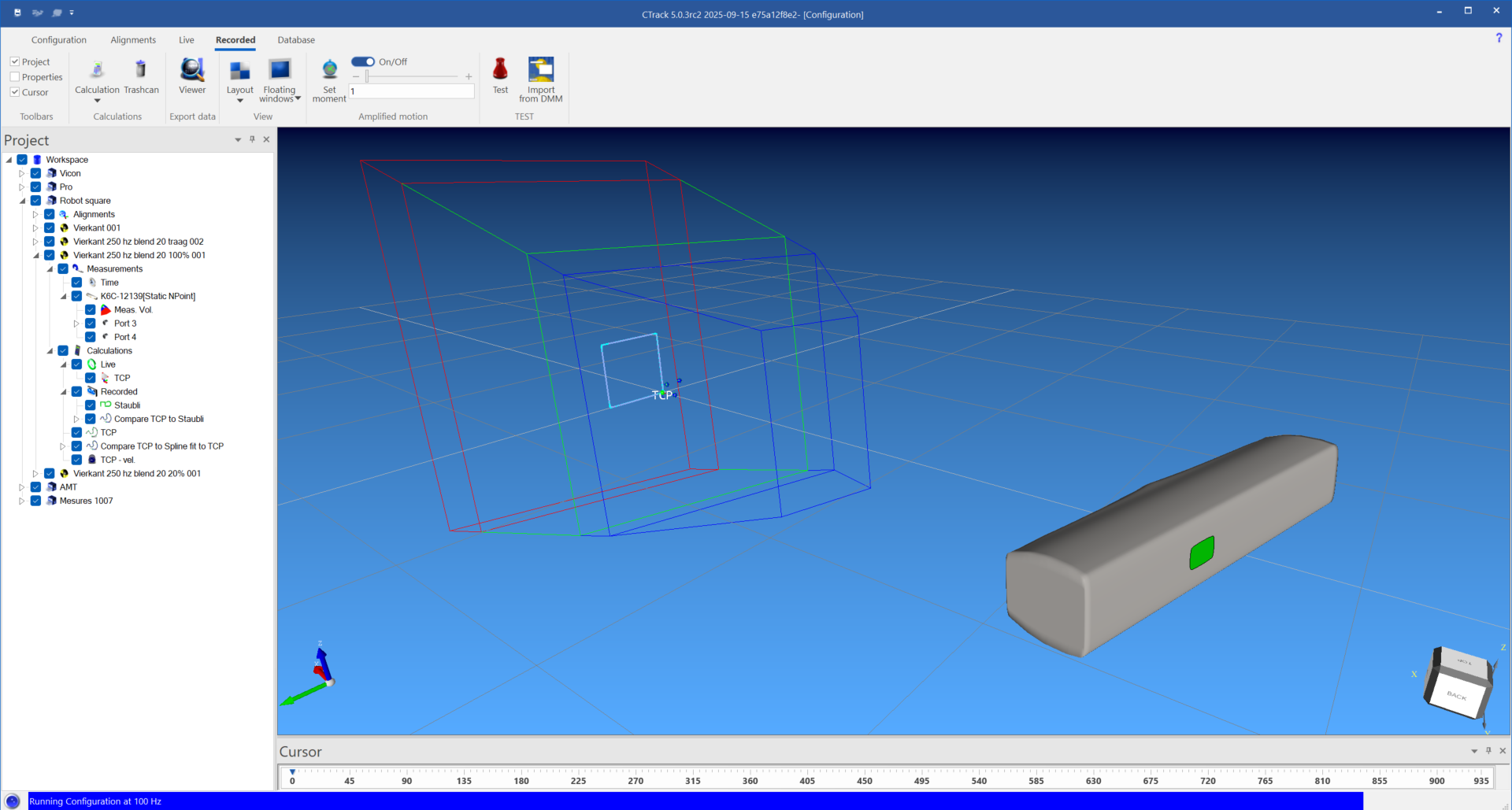
Replay and extra calculations
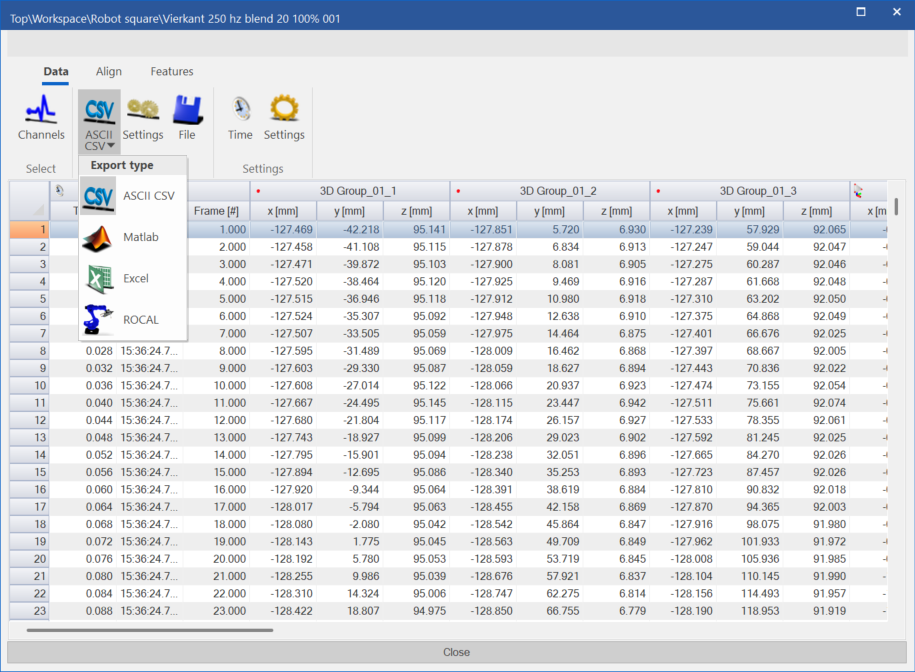
Export is possible to
- CSV
- Matlab
- Excel for reporting purposes
- Rocal : this outputs a .MEA file which can be used in Rocal as measurements, the Rocal.ID module is used to perform the calculation, this can be integrated into CTrack as well as a calculation module so the the resulting Rocal result files can be stored in with that specific robot.
Database
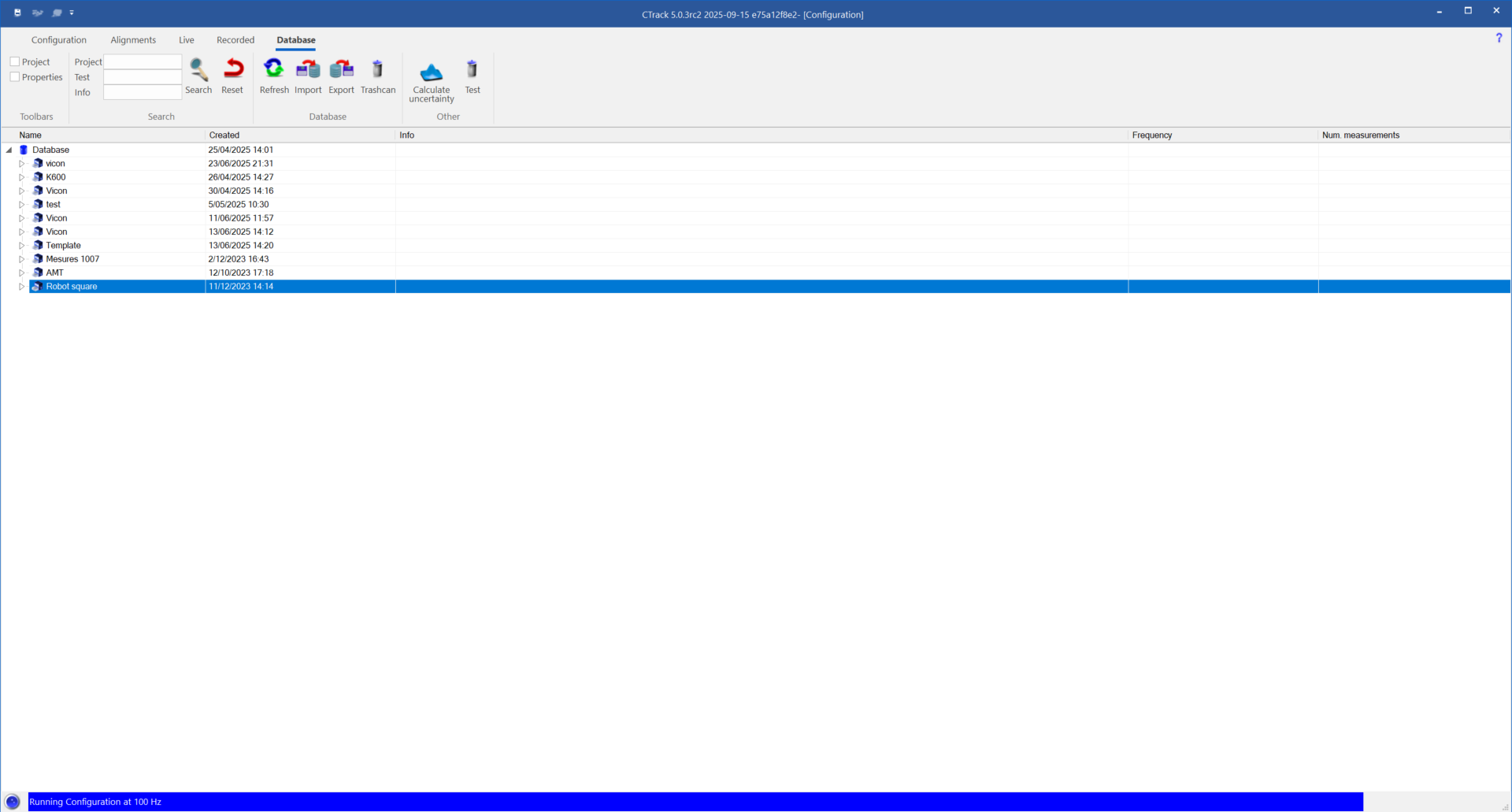
Database of all robots with all robot tests. An individual robot would qualify as a Project, a test would qualify as a test session.
This is were you can import and export to other systems.
CTrack can be installed on any computer, the license is only needed for measuring.
Extra work
Robotics - ISO 9283
Database
Robot Type
- General information
- Robot program database
Robots
Test sessions
ISO9283
- Measurements
- Calculations for robotics
- Reports
- Rocal calibration information
- Leica driver support
Comau interface
Transfer of programs
Adapt programs to location of tracker device
- Place inside measurement volume
- Update orientation of tool
Online trigger
- Start stop of measurement
- Begin end of pose
Phases
- Comau buys current version of CTrack + training software
- Extra development second phase
Questions
- Why Leica
- How many licenses
- How many K600 are still in operation