
Installation
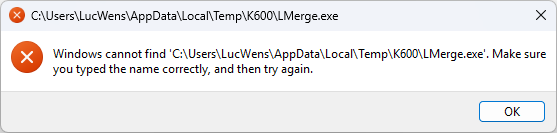
To get a log of the installation routine
Go to D:\Dropbox\CTrack
CTrack_5.0.3.0.exe /L*V installlog.log
To update TAG's on the remote GIT repository (it is no longer available in Visual Studio)
git push CTrack --tags
This line was added to BuildRelease.bat
Needed to change the time-out for proxies from 5 seconds to 60 seconds, not sure why the 5 seconds is not sufficient.
Instead of re-installing, i copy the updated release files to the ctrack5 install directory. Here is a handy powershell script. Go to the release directory and type:
Get-ChildItem -Path . -Recurse -Include *.exe, *.pdb | Copy-Item -Destination C:\ctrack5\bin -PassThru
Deadlock
The hardware detection in the production version does not work for Vicon.
Closer investigation reveals a deadlock
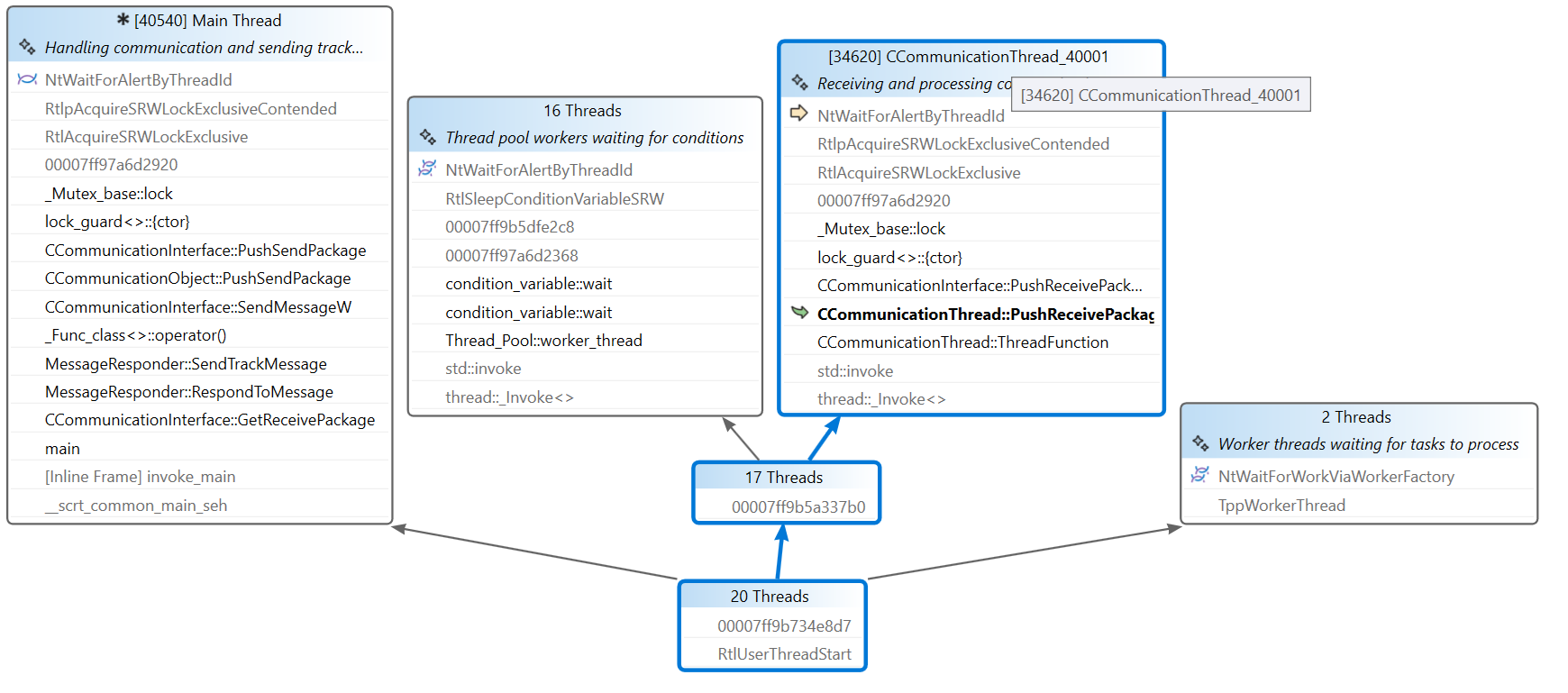
This was solved by :
- Adding more mutexes instead of one for all
- Replaced recursive_mutex with normal mutex