
Picking up on the work for Xenomatix
Things to do for the 5G safe Alert project:
- See if software using a regular internet connection works properly
- Setup with the 5G modem and check that operation
- Prepare Ouster JSON sample and check documentation on this
Testing 5GAlert
Project is under:
- D:\Dropbox\C-Tech\Customers\Xenomatix\PROJECTS\01- 5GSafeAlert for background information
- Local: c:\Xenomatix5GAlert on Dell
- Remote: https://xenomatix.visualstudio.com/XenoWare/_git/ObjectCommunicationLibrary
Modem test
The modem is Milesight UF31 5G dongle
Chrome
- 192.168.1.1
- admin
- password
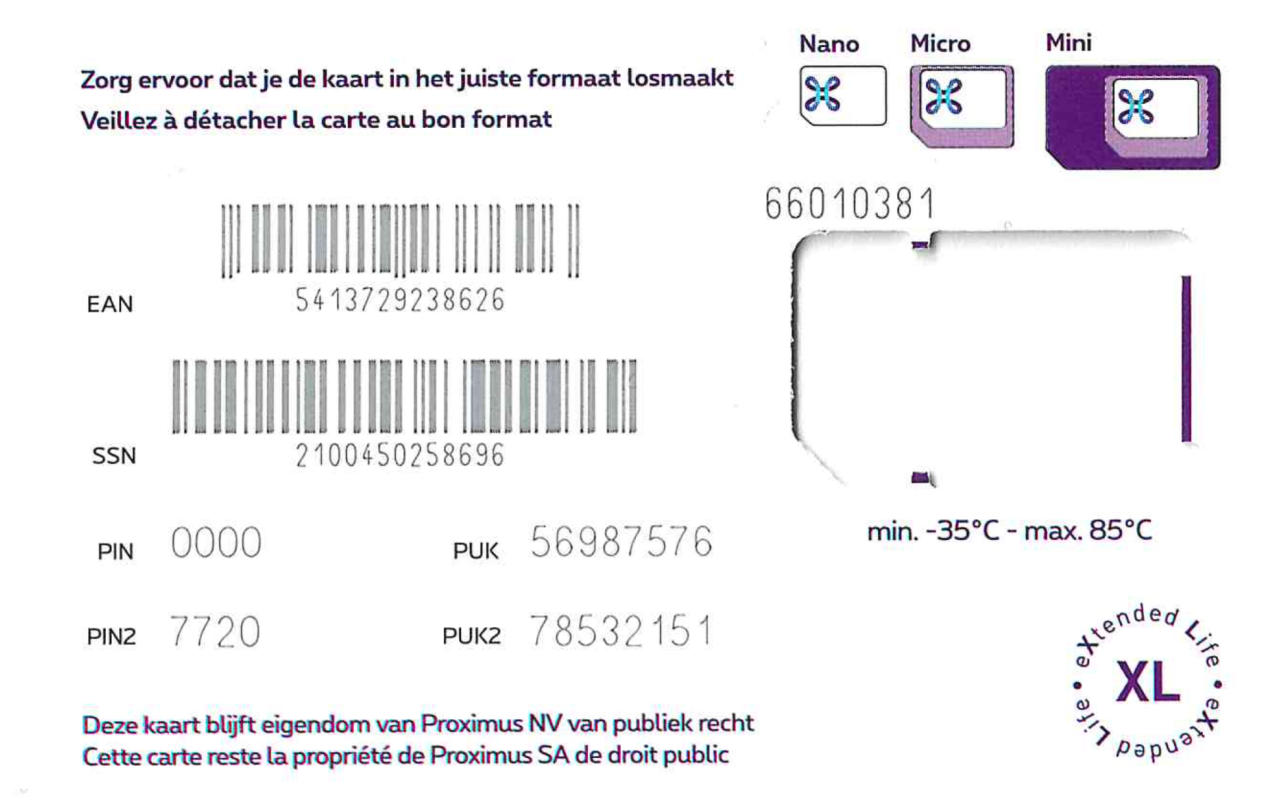
A sim card was inserted:
Wireshark testing
Use the next filter string
ip.addr ==159.69.100.168 || ip.addr == 78.47.56.55 || ip.addr == 159.69.101.119 || ip.addr == 78.47.56.48